
Introduction – Why Home Cybersecurity Matters to All of Us
If you’re like me, your home is full of connected devices — a laptop for work, a family desktop, a smart TV, maybe even a voice assistant sitting on the counter. They make life easier, but every one of them is also a tiny door that hackers can try to open.
You often see headlines about online scams and how to avoid them, but the truth is, these risks aren’t just for big companies or tech experts — they affect everyday people like us. From phishing emails to fake tech support calls, scammers have become smarter and faster at finding ways into our digital lives. Your home router settings plays a key role in this strategy.
A few years ago, a friend of mine had her Netflix account hacked. It didn’t seem like a big deal until she realized the same password was used for her email — and that small mistake turned into weeks of stress and lost sleep. That experience opened my eyes: every device and password you own is part of your digital home, and protecting it is part of protecting yourself.
In this article, we’ll explore how to avoid online scams, practice better cybersecurity at home, and learn practical steps to keep your personal data safe — without needing an IT degree.
Understanding online scams and how to avoid them is crucial for everyone navigating the digital world.
Key Takeaways
What’s the easiest step I can take today to stay safe online?
Change your WiFi password to something strong and unique. It’s the fastest way to lock out intruders who might try to get into your home network.
How can I tell if my identity has been stolen?
Look for suspicious credit card charges, new accounts you didn’t open, or sudden drops in your credit score. You can also check your email at HaveIBeenPwned.com to see if it’s been part of a data breach.
What should I do if I get hit with ransomware?
Don’t pay the ransom. Disconnect your device from the internet, restore your files from a backup, and report the incident to IC3.gov.
Are smart home devices safe to use?
Yes, but only if you secure them. Put smart devices on a guest network, update their software regularly, and never leave them with default passwords.
How can I teach kids about online safety?
Explain to children that personal details like birthdays or pet names should never be shared online. Encourage them to always ask before downloading apps or clicking links from strangers.
Do I really need antivirus software?
Yes — antivirus software adds another layer of defense. It won’t stop every scam, but it can block common malware and ransomware attacks.
Is two-factor authentication really worth the hassle?
Absolutely. That extra code may feel annoying, but it makes it far harder for hackers to break into your accounts even if they have your password.
Table of Contents
Why Online Scams and Digital Safety Matter
Cybersecurity can sound like something only businesses worry about, but for families and individuals, the risks are real:
- Your private life is valuable. Hackers don’t care if you’re a CEO or a retiree — your email, photos, and even your Netflix login have value.
- Identity theft is exhausting. Imagine discovering someone opened a credit card in your name. Fixing it can take months. I speak from experience in helping Friends and customers navigate these pitfalls with simple advice.
- Ransomware doesn’t just hit big companies. Everyday people get locked out of their family photos or tax documents by malicious software demanding money.
The truth is, our online lives make us all targets.
One of the primary reasons why home cyber security tips are important is to protect sensitive information from falling into the wrong hands. Cybercriminals constantly seek ways to steal valuable information, whether personal information such as names, addresses, and social security numbers or business secrets such as product designs, financial information.
Cyber security measures such as encryption, firewalls, and password protection can help prevent unauthorized access to sensitive information. We will discuss many ways to help you prevent bad things from happening in your digital home.
Smart Home Devices and Cybercrime: The Hidden Risk
Smart homes are great — I love being able to ask my voice assistant to turn on the lights or adjust the thermostat without getting off the couch. But here’s the catch: every smart device connected to your WiFi is another door for hackers to wiggle open.
Think about it — smart bulbs, doorbell cameras, thermostats, maybe your fridge is connected. Many of these gadgets don’t have the strongest built-in security. If a hacker can get into one, they may be able to move deeper into your network.
What you can do:
Keep smart home devices on a separate guest network so they don’t have access to your main computer or phone.
- Regularly update the app and firmware for each device. I have found some of these devices can alert you to new firmware.
- Change default usernames and passwords immediately after setup.
- Research where you purchase smart home devices from, Stick to name brands like Google or Amazon. If you are not sure do some research. Look for customer reviews and consider using AI to do the heavy lifting for you. As an example create a Chatgpt account for free.. This is just one example, there are many more to choose from Google Gemini, ( If you have an Android device you will already have access to this resource.) Perplexity . And others too.
- Use the AI to search for reviews and options that are security conscious.
Common Online Scams and Cyber Threats Explained Simply
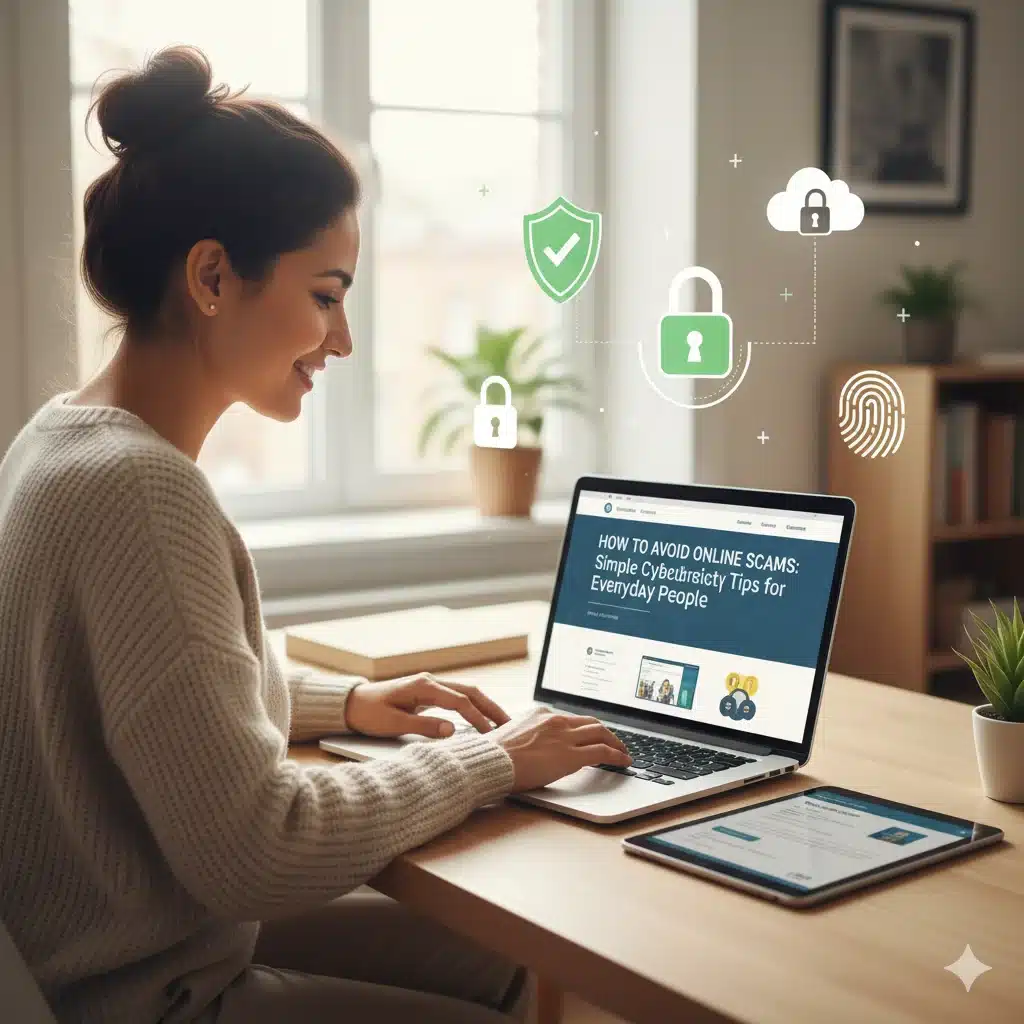
Phishing Scams
That email pretending to be from Amazon saying, “Confirm your account now”? Yeah, it’s fake. The link inside usually leads to a bogus site that steals your login details. Phishing is a large topic by itself, which presents itself in many forms.
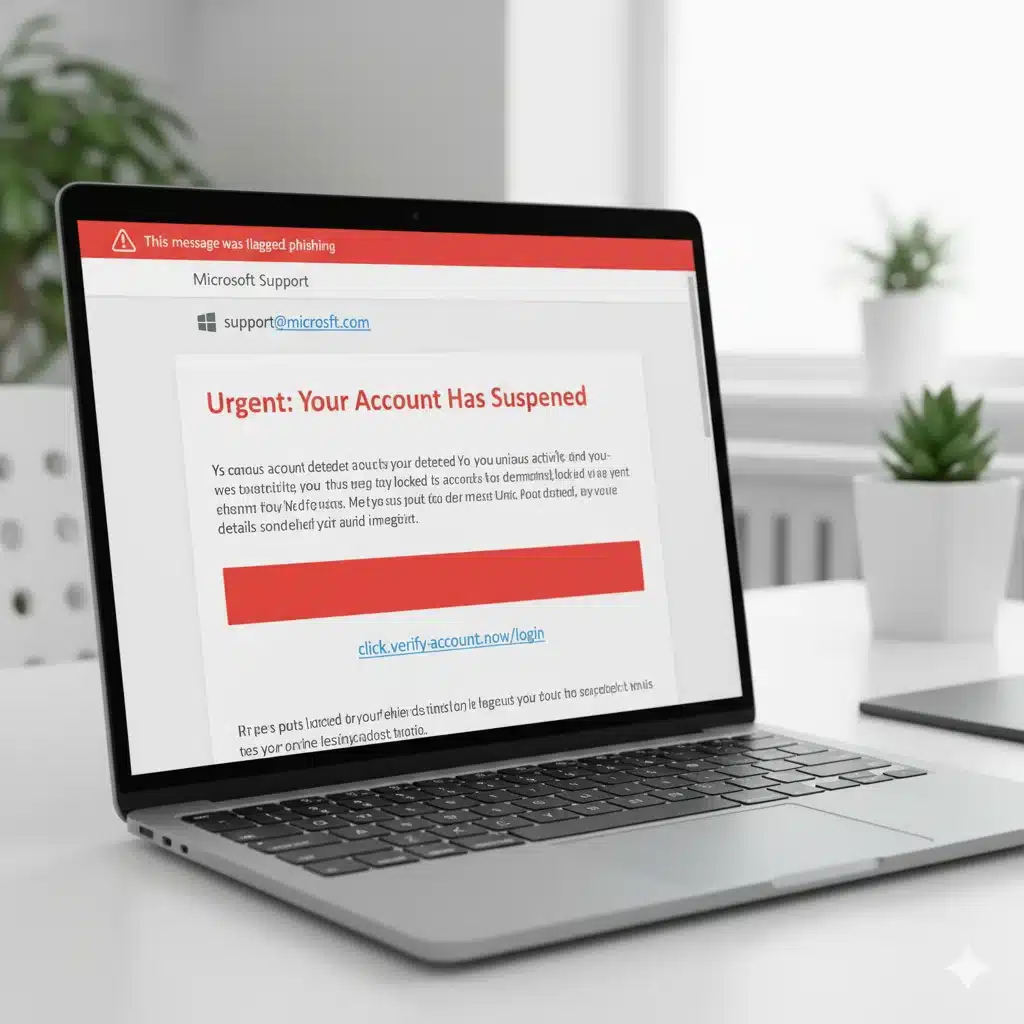
Ransomware
This one is sneaky. Malware gets onto your computer (often from clicking the wrong link) and locks your files. Then it demands money to give them back. See our full guide on Ransomware
Identity Theft
It only takes one stolen Social Security number for a criminal to open loans in your name. I once helped a neighbor who found out the hard way when debt collectors called about an account he didn’t open. Identify Theft protection need not be daunting.
Weak WiFi Security
If your WiFi password is still “password123” (or written on a sticky note), a hacker could be browsing your internet before you know it. We will cover this in more detail in a minute.
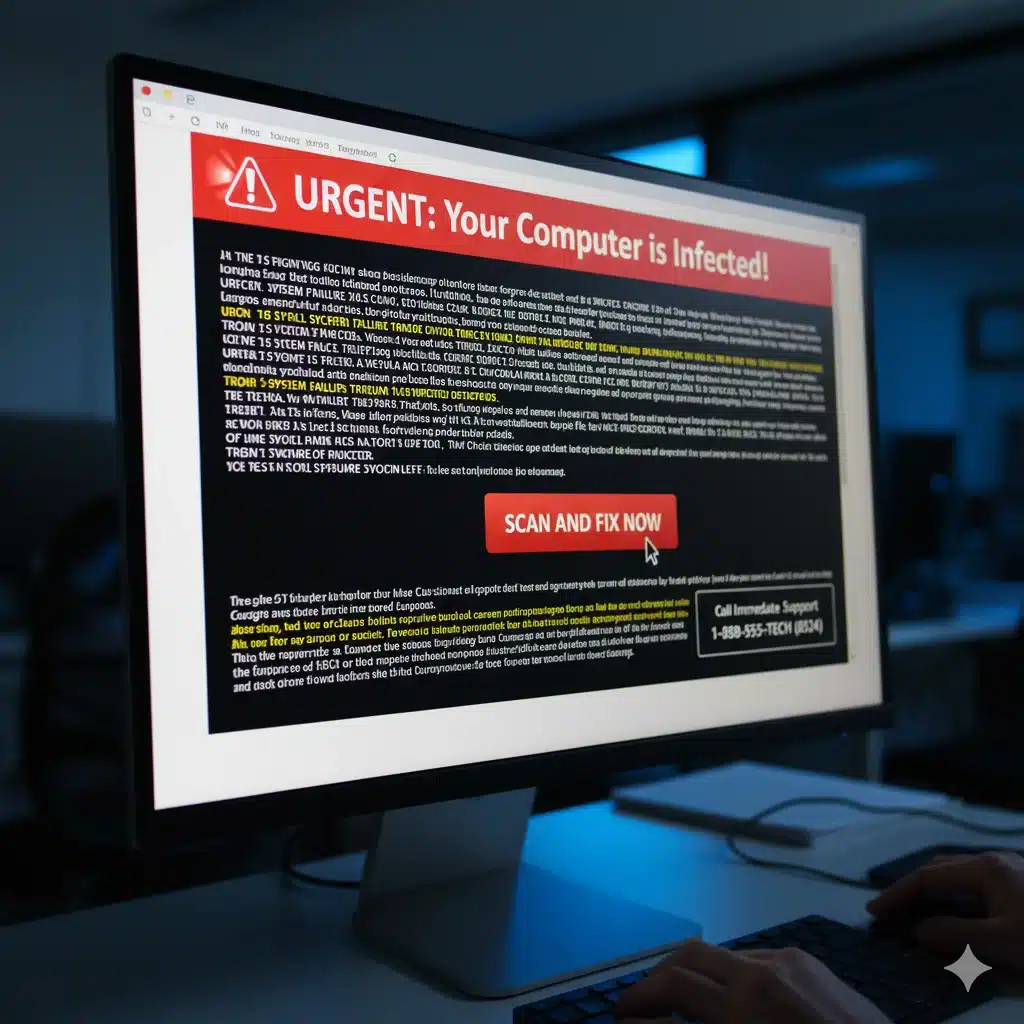
Tech Support Scams
Ever seen a pop-up screaming “YOUR COMPUTER IS INFECTED”? That’s a scam. They’ll try to scare you into calling a fake support line and handing over your credit card info. It is surprising how many of my customers still call me to ask if these are real.
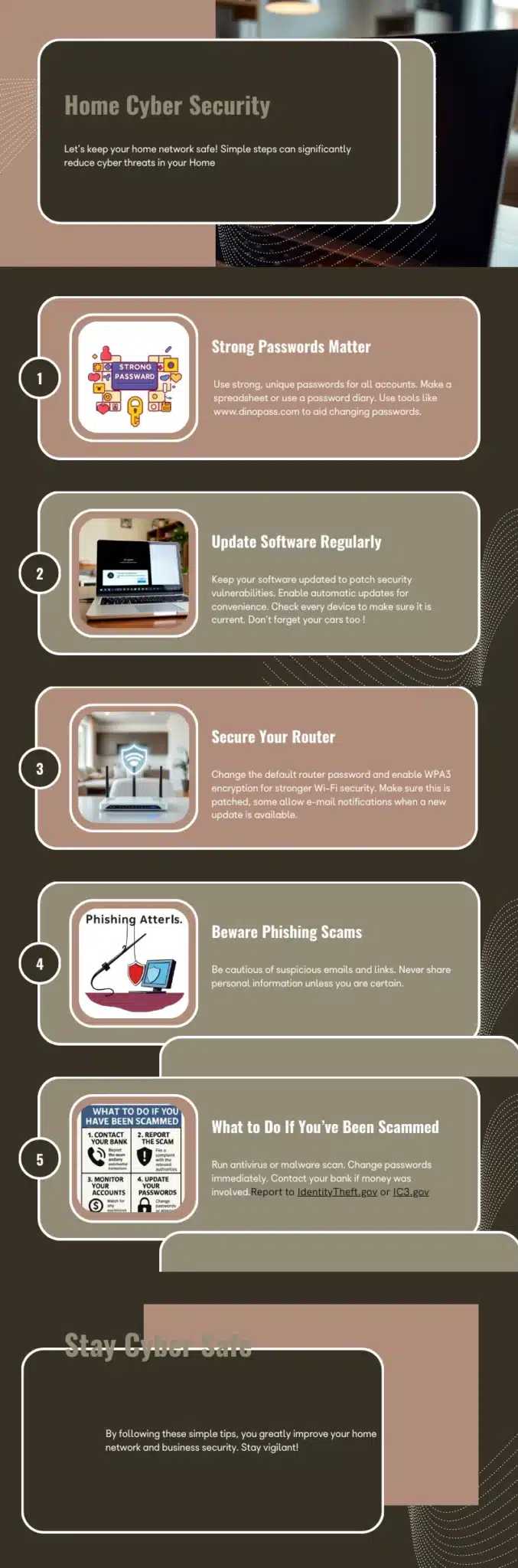
Simple Home Cybersecurity Tips to Avoid Online Scams
Here’s the good news: protecting yourself doesn’t require an IT degree. Small, simple changes add up.
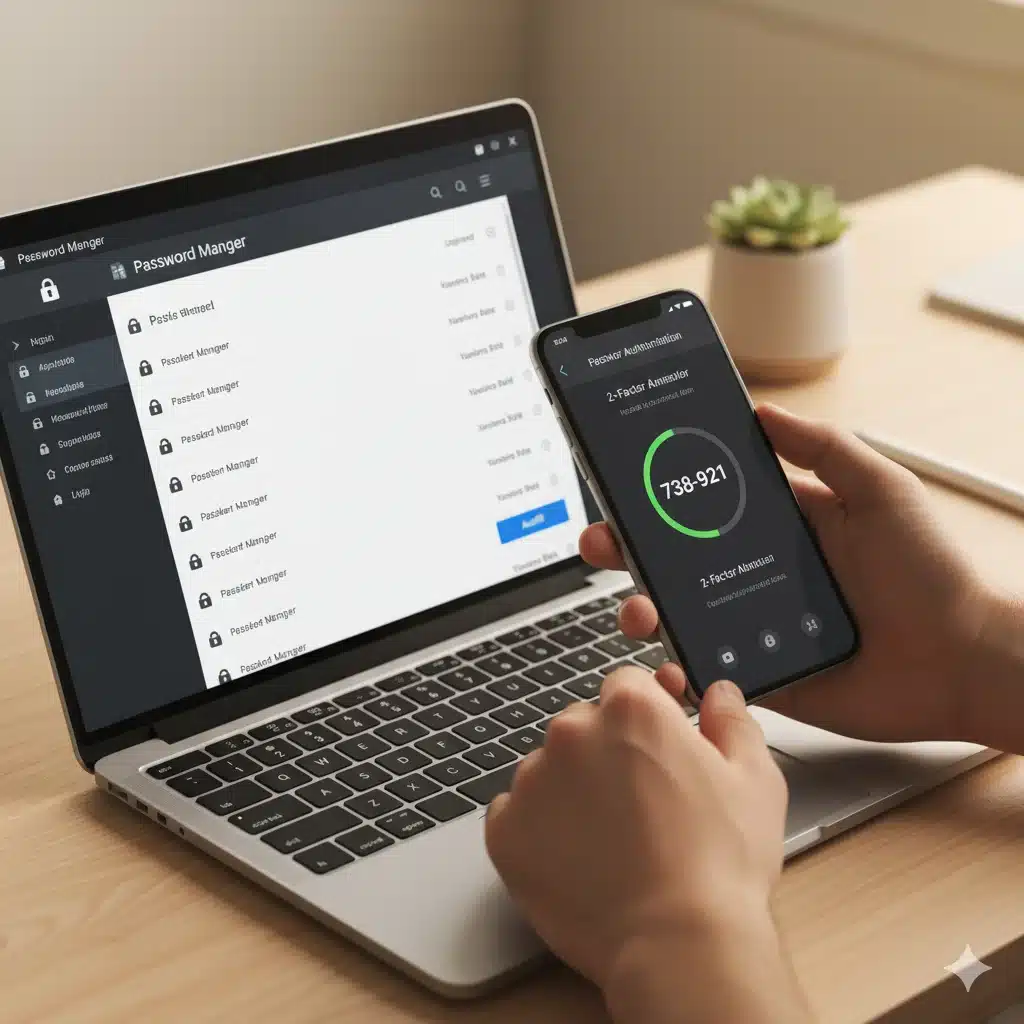
- Use strong passwords. Forget birthdays or “123456.” Use a password manager to create and store unique ones. It’s like keeping your house keys in a safe instead of under the doormat. I often suggest to my friends,family and customers to use websites such as Dinopass it takes the guesswork right out of passwords and can stop you using the same one over and over again.
- Turn on two-factor authentication (2FA). Yes, that extra code texted to your phone is annoying — but so is dealing with stolen accounts.
- Update your gadgets. Those “update now” pop-ups aren’t just for new features. They often fix holes hackers love to exploit.
- Set up a guest WiFi. Friends can use it without risking your main devices. Plus, it keeps that random smart bulb you bought off Amazon from being a weak link.
- Back up your stuff. Family photos, important documents — save them in the cloud and on an external drive. If ransomware hits, you’ll still have your memories.
- Check your router settings. It may sound technical, but most routers have a simple dashboard. Look for WPA3 encryption and turn off remote management.
- Remember, go directly to the website’s help section when seeking help with services. If you do use a search engine, use caution. Legitimate company websites contain “company.com” such as “company.com/support.”
Online Safety Tips for Remote Work and Home Offices
Even if you’re not running a business, many of us are working from home these days. That means your company’s data is sitting right in your living room.
Use a VPN if your employer provides one.
- Don’t use the same laptop for work and random downloads.
- And please — no checking suspicious emails on your work computer.
Understanding Online Scams, Privacy Laws, and Your Rights
You’ve probably heard of GDPR, HIPAA, or maybe the California Consumer Privacy Act. While those sound like “business problems,” they actually exist to protect you.
For example:
If your doctor’s office mishandles your medical records, that’s a violation.
If a store sells your email without consent, you may have rights to complain.
Bottom line: privacy rules are there to give you power over your personal data.
How to Stay Ahead of Online Scams and Hackers
As part of being aware of your digital world try to be more read on the subject.
- Read alerts from CISA.gov (they’re written for normal people, not just techies).
- Read new postings from the Electronic Frontier Foundation
- Check for updates once a month on my router and devices.
- Freeze your credit reports with Equifax/Experian/TransUnion — it’s free and keeps thieves from opening new accounts in my name.
If you do fall victim to a scam, don’t panic. Start by changing your passwords, call your bank, and file a report at IdentityTheft.gov.
How to Spot and Prevent Identity Theft from Online Scams
Identity theft is one of the most stressful cybercrimes because it often goes unnoticed until it’s too late. A friend of mine didn’t realize his identity had been stolen until debt collectors started calling. The damage was already done, and it took months to fix.
Identify Theft Protection Is Better Than Cure
Simple Tips and tricks can help you spot early warning signs and act before it’s too late.
- Bills or credit card statements you don’t recognize.
- Sudden drops in your credit score.
- Emails saying “thanks for opening an account” that you never signed up for.
- Tax returns rejected because “you already filed.”
What you can do right now:
Visit HaveIBeenPwned to check if your email has appeared in data breaches.
- Get your free annual credit reports from Equifax, Experian, and TransUnion at AnnualCreditReport.com.
- Consider freezing your credit — it stops thieves from opening accounts in your name.
This might sounds like a lot of work and it can be. There are other options. Credit Reporting Agencies are not as secure as you think, they have been hacked several times putting millions of peoples data at risk. Personally I said to my wife, “Enough of this” so I looked in credit protection agencies and we decided to go with identityguard Our main reasons were they offered a couple package so both you and your spouse could be protected for a lower price. There are other companies that offer protection like the famous lifelock.
FAQs – Simple Answers About Online Scams and Cybersecurity
Q1: What’s the easiest step I can take today to stay safe online?
Change your WiFi password to something strong and unique. It’s the fastest way to lock out intruders who might try to get into your home network.
Q2: How can I tell if my identity has been stolen?
Look for suspicious credit card charges, new accounts you didn’t open, or sudden drops in your credit score. You can also check your email at HaveIBeenPwned.com to see if it’s been part of a data breach.
Q3: What should I do if I get hit with ransomware?
Don’t pay the ransom. Disconnect your device from the internet, restore your files from a backup, and report the incident to IC3.gov.
Q4: Are smart home devices safe to use?
Yes, but only if you secure them. Put smart devices on a guest network, update their software regularly, and never leave them with default passwords.
Q5: How can I teach kids about online safety?
Explain to children that personal details like birthdays or pet names should never be shared online. Encourage them to always ask before downloading apps or clicking links from strangers.
Q6: Do I really need antivirus software?
Yes — antivirus software adds another layer of defense. It won’t stop every scam, but it can block common malware and ransomware attacks.
Q7: Is two-factor authentication really worth the hassle?
Absolutely. That extra code may feel annoying, but it makes it far harder for hackers to break into your accounts even if they have your password.
Conclusion – Protect Yourself from Online Scams and Cybercrime
In the end, learning how to protect yourself from cybercrime is a lot like locking your doors at night—it’s a series of small, simple habits that create a powerful sense of security.
By practicing how to avoid online scams, you can create a safer online environment.
You don’t need to be a tech expert to make a huge difference in your online safety. From being a little more skeptical of suspicious emails to finally creating that fortress-like password or turning on Two-Factor Authentication, the power is in your hands.
In all my years of helping customers, the ones who stayed safe were simply the ones who decided to take that first small step. So, pick one thing from this guide and do it today. Every click you secure and every scam you spot is a victory in keeping your digital life safely and truly your own.
